
Introduction
For centuries, the artist’s studio was a physical fortress—heavy easels, smell of turpentine, and later, powerful desktop towers humming under the weight of expensive software. Today, the walls of that studio have dissolved.
Online editors and creative platforms have become indispensable for digital artists, designers, and entrepreneurs. Unlike heavy desktop software that chains you to a single location, these platforms offer cloud-based flexibility, real-time collaboration, and AI-powered features that streamline creativity from anywhere.
Whether you are retouching a photograph in a coffee shop, creating animations on a tablet, or publishing artwork directly to marketplaces, online editors are bridging the gap between professional design tools and everyday accessibility. This is not just convenience; it is the democratization of high-end design.
Why the “Cloud Studio” Matters
As we shift away from traditional software ownership, the benefits of the cloud ecosystem become undeniable:
- True Accessibility: No heavy downloads or installations. Just log in and create.
- Global Collaboration: Work with clients and teams in real-time, turning a solitary process into a dynamic exchange.
- Cross-Device Workflow: Start a concept on your laptop during breakfast and finish the details on your mobile while commuting.
- AI Integration: The new standard. Smart suggestions, auto-layouts, and background removers are now built-in assistants.
- Direct Publishing: The distance between “Done” and “Sold” is shorter. Many platforms connect directly to social media and online shops.
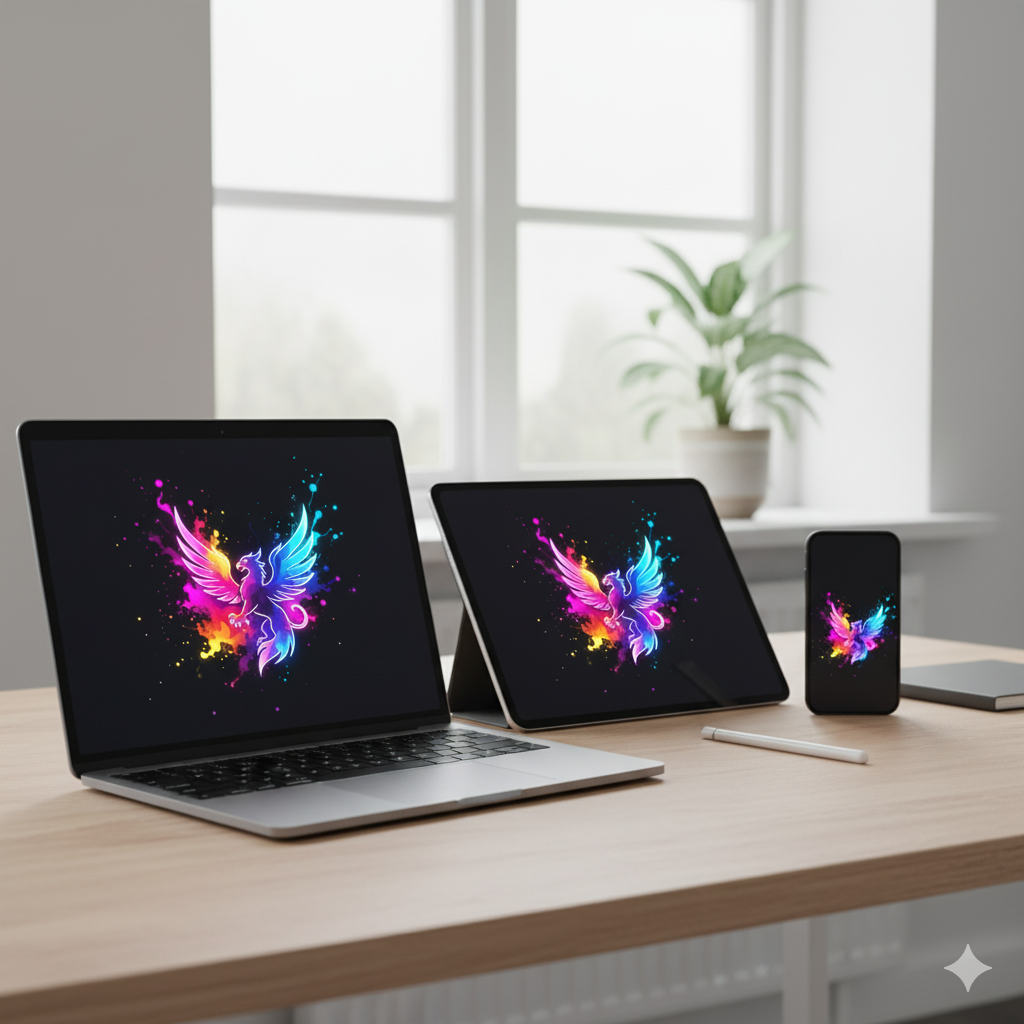
The Master’s Selection: Best Online Editors and Creative Platforms
After testing the market’s leading tools, here is my curated list of platforms that balance power with usability.
1. Canva Pro: The Entrepreneur’s Engine
For all-in-one design needs, Canva Pro remains the most versatile platform on the market. It has evolved from a simple layout tool into a creative powerhouse featuring AI-powered text-to-image generation, video editing, and one-click background removals.
- The Master’s Take: It is the “Swiss Army Knife” of digital business.
- Best for: Entrepreneurs, Print-on-Demand sellers, and educators.
2. Figma (with FigJam): The Collaborative Canvas
Figma has grown far beyond UI/UX design. With the addition of FigJam, it now provides collaborative whiteboards and plugins perfect for posters and digital layouts. It brings the energy of a bustling design studio into your browser.
- The Master’s Take: If you work with a team, Figma is non-negotiable.
- Best for: Teams and cross-discipline creators.
3. Pixlr X / Pixlr E: The Agile Editor
Lightweight and browser-based, Pixlr is the perfect solution for quick photo editing without the bloat. It offers Photoshop-like layers and adjustments in a simplified interface, ideal for older laptops or low-power devices.
- Best for: Quick edits and retouching on the fly.
4. VistaCreate (formerly Crello): The Visual Storyteller
VistaCreate is Canva’s strongest competitor, often offering fresher, more distinct aesthetics. It includes a vast library of templates, stock images, and built-in music.
- Internal Tip: For seasonal inspiration to use with these templates, explore our [Decorative & Gift Art] ideas.
- Best for: Content creators focused on social media aesthetics.
5. Photopea: The Browser-Based Miracle
If you need Photoshop but lack the budget or the installation rights, Photopea is the answer. It runs directly in your browser and supports PSD, Sketch, and XD files perfectly. It is a technical marvel that respects the professional workflow.
- Best for: Professional designers on the go who need layer-based control.
6. Kapwing: The Modern Video Suite
For video editing in the cloud, Kapwing is the leader. It automates the tedious parts of editing: subtitling, resizing, and AI auto-captions. It understands the language of TikTok and YouTube Shorts better than most desktop software.
Best for: Short-form video creators and agile marketers.
Pro Tips for the Cloud Workflow
To truly master these platforms, you must organize your digital environment:
- Asset Management: Keep your logos, fonts, and raw images organized in the cloud (Google Drive or Dropbox) to speed up imports.
- Leverage AI: Don’t fight the future. Use AI features for repetitive tasks like background removal so you can focus on the creative composition.
- Resolution Matters: Always export in the highest resolution supported (PNG for web, PDF Print for physical goods).
- Integration is Key: Connect your editor directly to your Etsy or Pinterest account to save that crucial final step.
Frequently Asked Questions
Can I use online editors for professional client work? Absolutely. Figma, Canva Pro, and Photopea are now widely accepted in professional agencies. The result matters more than the tool.
What is the best free online editor? Photopea (for advanced editing) and Pixlr (for quick touches) stand out as free tools that cover 90% of editing needs.
Do online editors work offline? This is their main limitation. While some offer cached offline modes, their strength lies in connectivity. For offline-heavy travel, desktop tools are still superior.
Are online editors secure for sensitive projects? Most reputable platforms use encrypted cloud storage. However, for highly sensitive IP, always review the platform’s privacy policy regarding AI data training.
Conclusion
Online editors and creative platforms are no longer just “convenient alternatives”—they are essential instruments for the modern digital creator. Whether you choose the collaborative power of Figma, the versatility of Canva, or the precision of Photopea, the goal remains the same: to bring your vision to life without friction.
The studio is no longer a room. It is wherever you open your laptop.
By experimenting with these platforms, you are not just saving time; you are future-proofing your art.
Quick Links to Editors Mentioned
- [Canva Pro]
- [Figma]
- [Pixlr]
- [VistaCreate]
- [Photopea]
- [Kapwing]

If you’re fascinated to explore and expand further on this topic, click here on the link:
Digital Tools and Software
Want to push your creativity even further using these tools?
Explore the innovation zone here:
Creative Tech & Art Labs
Want to learn more about everything Print on the Hand has to offer? Click here to see all categories together:
Categories
